Online reservations on your own website
A booking widget that looks like it belongs on your site. Guests book in a few taps, you stay in control of your dining room.
How a guest books
The guest first picks the party size, then a day in the calendar. Closed or fully booked days show straight away. Next comes a time at lunch or dinner, then their details: name, email, phone, an occasion such as a birthday and any allergies.
Right after booking, the guest gets an email confirmation with a personal link to view or cancel. A reminder follows the day before. All in the language they booked in: English, Dutch or French.
You decide how your room fills up
Shifts
Lunch, dinner or brunch with your own hours and days.
Capacity
The maximum covers per time slot and per shift, so the kitchen can keep up.
Tables
The system picks the smallest free table for the whole visit. You can always assign another one.
Party size
Set the minimum and maximum. Larger groups are asked to call.
Booking window
How many days ahead guests can book and how late on the day itself.
Closing days
Holidays, bank holidays or a private event: one click closes the day or the shift.
Phone bookings too
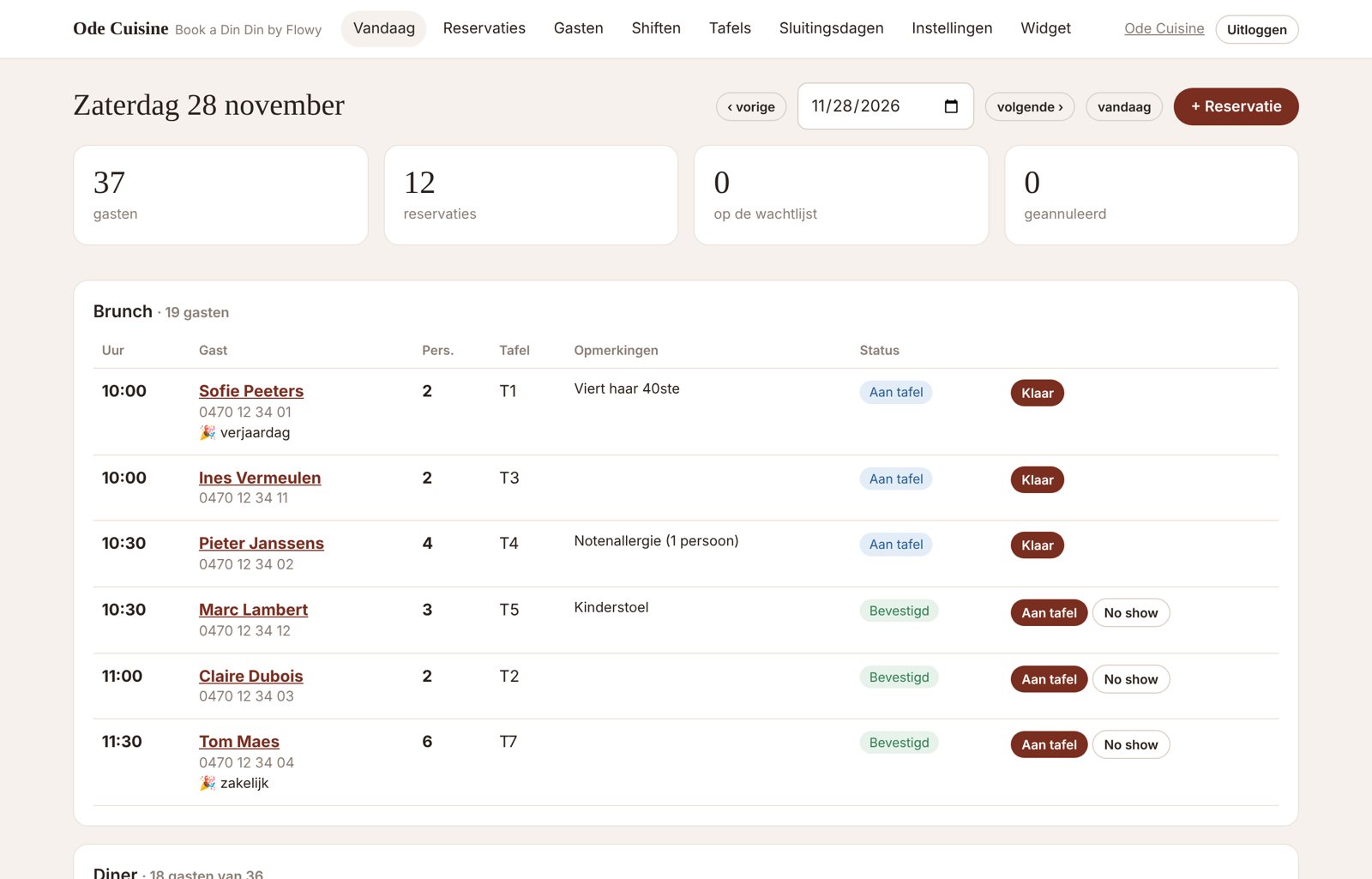
A guest calls? You add the booking in seconds. Everything is in one place, so double bookings can't happen. In the daily overview you see per shift who is coming, at which table, and you mark guests as arrived or no show.
Want to see it in action?
Request a demo and we'll show you, using your restaurant as the example.
Request a demo